Donations are one of the most overlooked ways your organization can grow the support around every performance. In this training video, you will learn what donations are in CUR8, how to turn them on, and how supporters give without ever leaving your ticketing flow. Everything from the video is covered below.
What are donations in CUR8?
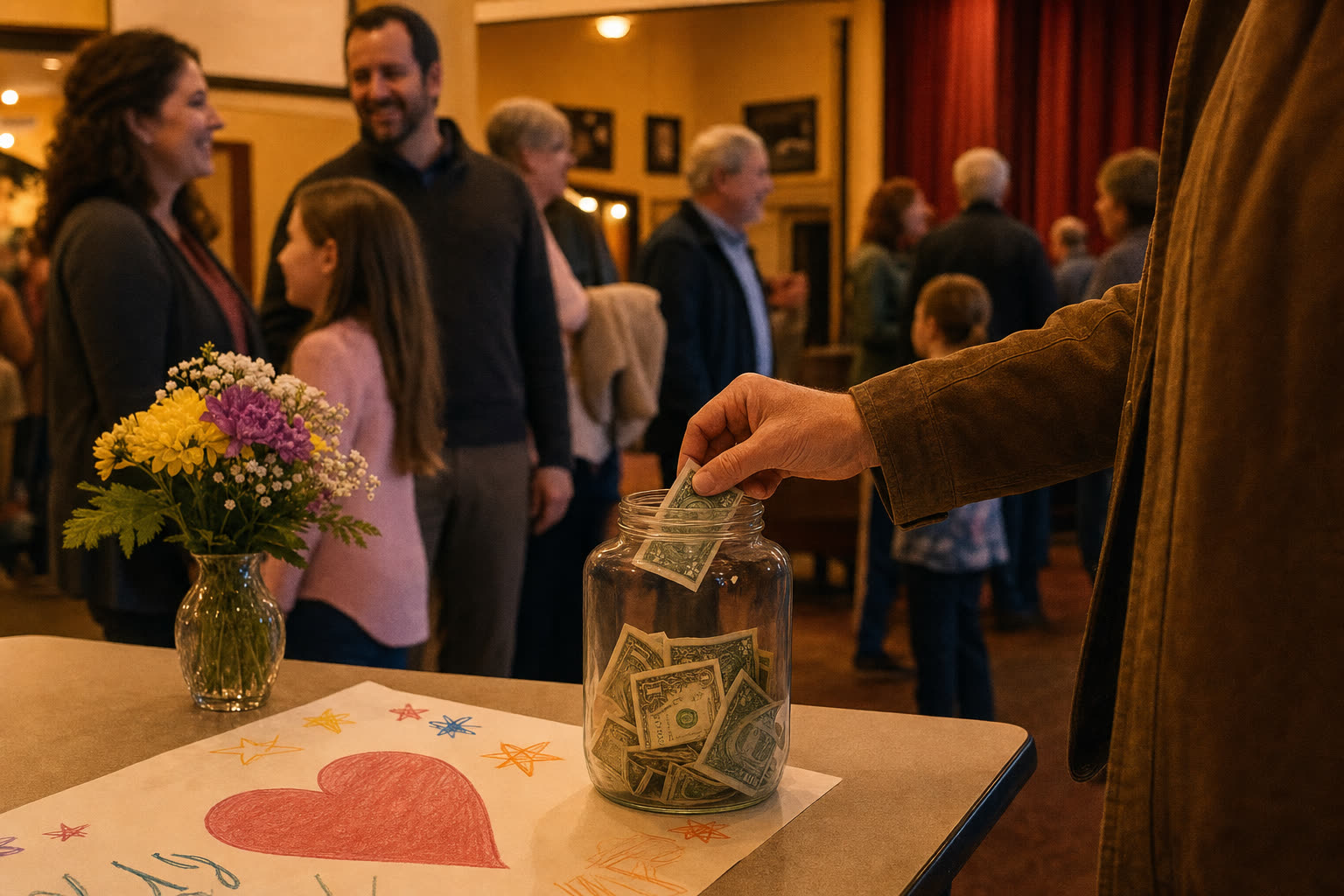
Donations are optional contributions your patrons can make during the ticket buying process, or entirely on their own, to support your organization, show, or initiative. A donation can be a one-time add-on at checkout, a standalone giving option, or a set of suggested giving levels that you define. The key idea: no ticket purchase is required, so anyone who wants to support your work can give.
Because donations live right inside your ticketing flow, donors never navigate away to a separate portal. If you are still setting up tickets themselves, start with our foundation guide to ticketing in CUR8.
Setting up donations, step by step
- From your CUR8 dashboard, open Ticketing for your project.
- Choose Add Donation.
- Enter your suggested amounts, like $10, $25, or $50.
- Save and publish. Donations are now live in your checkout.
That is the whole setup. CUR8 places the donation option right alongside tickets so it feels like a natural part of checkout.
How supporters give
Buyers select their tickets as usual, or choose Donate Only if they do not need tickets at all. At checkout they see your suggested amounts, pick how much to give, and pay securely. Clean, simple, and intuitive, whether your supporters are theatre families, students, or community members.
Donation reporting that stays reconciled
Every donation is tracked just like a ticket sale. Review donations in your Sales & Reports dashboard, see who gave and how much, and export the data for records or thank-you outreach. Your accounting and payout picture stays clean without a separate spreadsheet.
Pro tip: give people a reason
Make your donation messaging count. Simple, specific language like "Support our scholarships" or "Help keep our program thriving" consistently outperforms a generic ask. A reason and a story increase contributions, and you can feature that language right in your event descriptions and ticketing page banners.
What's next
You now know what donations are, how to enable them, and how supporters give. In upcoming training videos we will cover customizing donation prompts and suggested amounts to match your goals.
Ready to give your community a way to support the work they love? Get started with CUR8 and make your moment. For more step-by-step guides, visit the CUR8 help center.