Prefer to read it? The full step-by-step guide is here: What is Connect? The Marketing Email Manager Built for You.
Why Email Marketing Matters for Every Organization
You have worked hard to build your audience. You have sold tickets, welcomed attendees, and put on a show your community turned up for. The harder question is what happens next: how do you tell those same people about your next production without starting from zero?
That is the problem CUR8 Connect solves. It is the marketing email manager built right into CUR8, so you can create professional marketing emails, reach the audience you already have, and track the results, all without leaving CUR8 or exporting a single contact to another platform. Your previous ticket buyers are already in there, waiting for you to communicate with them.
What CUR8 Connect Is
CUR8 Connect is an integrated email marketing tool built to make it easier and more affordable for you to stay in touch with your community. It gives you the tools to get the right message to the right people, whether you are announcing a new season, promoting a ticket sale, sharing news, or encouraging donations.
In Connect, each marketing email you send is called an Engagement. An Engagement might announce your spring musical, promote a fundraiser, invite families to an audition, or share news about your organization. You do not need to be a designer or a marketing expert to send one. Connect includes ready-to-use templates and a drag-and-drop builder, so you can put something professional together quickly, and you can widen your reach further by adding subscribers: outside contacts who have not yet purchased a ticket.
Finding Connect in Your Dashboard
To find it, open the Main Menu at the top of the page and choose Manage, then select CUR8 Connect. If you manage more than one organization, you will be asked which one you are working with before you land on your Connect Dashboard. Two things worth knowing: Connect is available to organization admins, and each Engagement goes out to one organization's audience at a time.
What You Get on the Dashboard
Think of the Connect Dashboard as your marketing headquarters. From here you create new Engagements and track what you have drafted, scheduled, and already sent. You also get a Template Manager for your own designs, a Subscribers area for your extra contacts, and Manage Tokens for your tracking links. Across the top, you see your performance at a glance: how many emails were sent, opened, and clicked, and how many recipients started a cart or actually bought.
Token Tracking: Know What Your Marketing Is Actually Doing
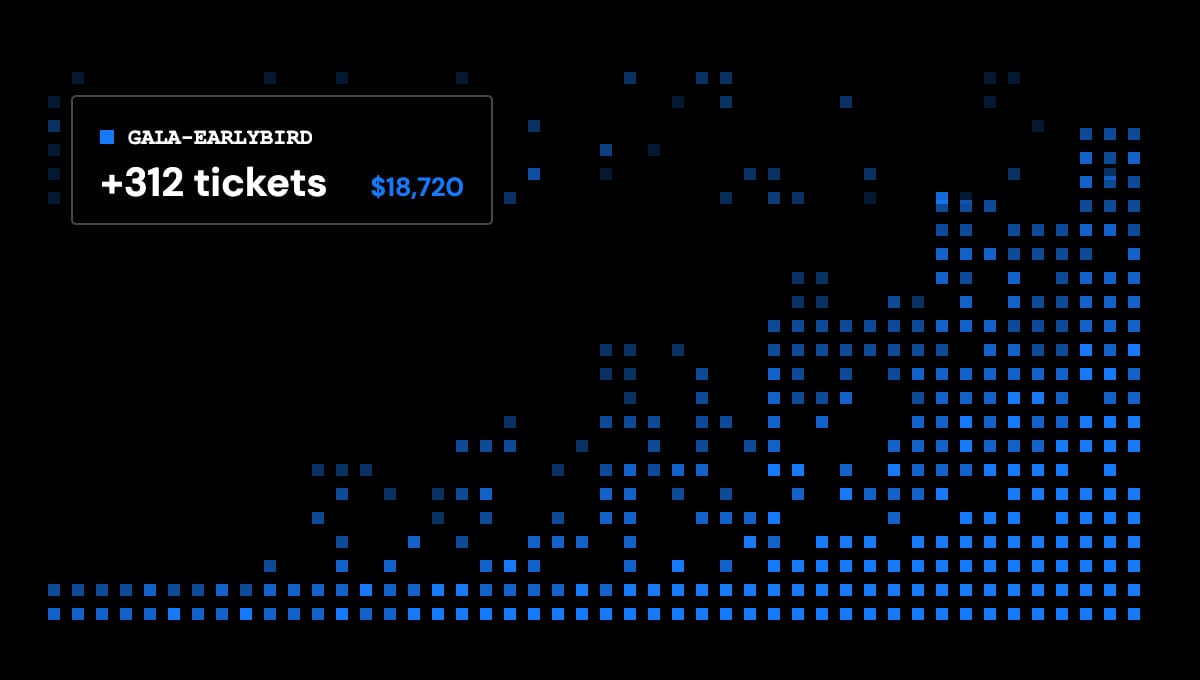
Here is the feature worth slowing down for: token URL tracking. It sounds technical, but the idea is simple. Say you send an email promoting your production with a button that says Buy Tickets. Token tracking lets you see how people actually interact with that link, so you can tell what your marketing is contributing to ticket sales and donations.
You can go further and create different tracking links for different places: one in the email, one on Facebook, one behind a QR code on your printed posters. All three send people to the same ticketing page, but CUR8 can tell you which one brought them there. That is the difference between guessing where your audience came from and knowing.
What CUR8 Connect Costs
The pricing is worth understanding, because it is unusual. There are no subscription fees, and you do not pay to store your subscriber list, however large it grows. Connect uses CUR8 Credits when you send: one credit sends one Engagement, so you pay for the emails you actually send rather than carrying a monthly marketing bill. You can review or buy credits under Accounting, then CUR8 Credits, and you can also buy more partway through sending an Engagement. You can even earn credits through ticket sales.
Building an Engagement
Say you are announcing your next production. Instead of building a mailing list from nothing, you use the audience you already built in CUR8. Creating an Engagement runs in four steps: Audience, where you choose who it goes to; Message, where you name it and write the subject line; Content, where you design the email or pick a template; and Schedule, where you send now or pick a time. Schedule it in advance, then come back and see how your audience responded.
Pro tip: do not wait until tickets go on sale to start talking to your audience. Use Connect across the whole season to announce the show, introduce your cast or creative team, share something from behind the scenes, and send a reminder before opening night. The people on that list already like what you do. Give them a reason to pay attention, and review your finances regularly to see what each Engagement is earning back.
You have already done the hard part, which is building the community. CUR8 Connect is how you keep talking to it. Make your moment with the audience you already have.